> For the complete documentation index, see [llms.txt](https://docs.gaiodataos.com/llms.txt). Markdown versions of documentation pages are available by appending `.md` to page URLs; this page is available as [Markdown](https://docs.gaiodataos.com/fundamentals/data-sources.md).
# Data Sources
### Data Sources in Gaio DataOS
**Gaio DataOS** was designed to integrate and transform data from multiple sources — from traditional databases to modern cloud-based services.\
This flexibility allows organizations of all sizes to centralize their information in a single environment for analysis and automation.
***
### Direct Database Connections
Gaio easily connects to a wide variety of database management systems (DBMS), enabling real-time operations, automations, complex queries, and intelligent data pipelines.
**Supported databases:**
* MySQL
* PostgreSQL
* ClickHouse
* SQL Server
* MariaDB
* MemSQL
* Amazon Redshift
* Snowflake
* Oracle
* Databricks
* Salesforce
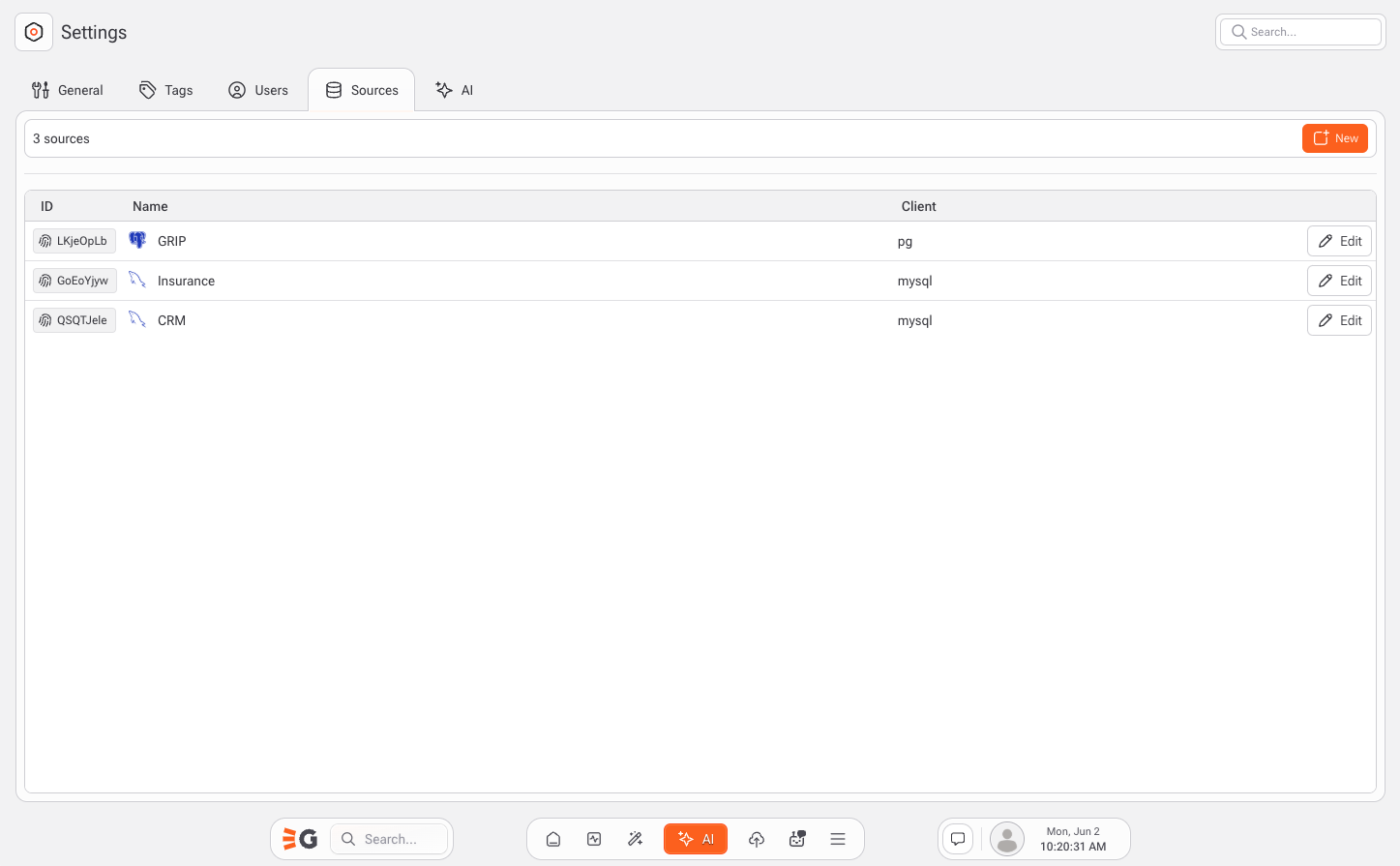
These connections provide direct access to tables, which can be queried using SQL, visualized in dashboards, or used as the foundation for transformation flows and machine learning models.
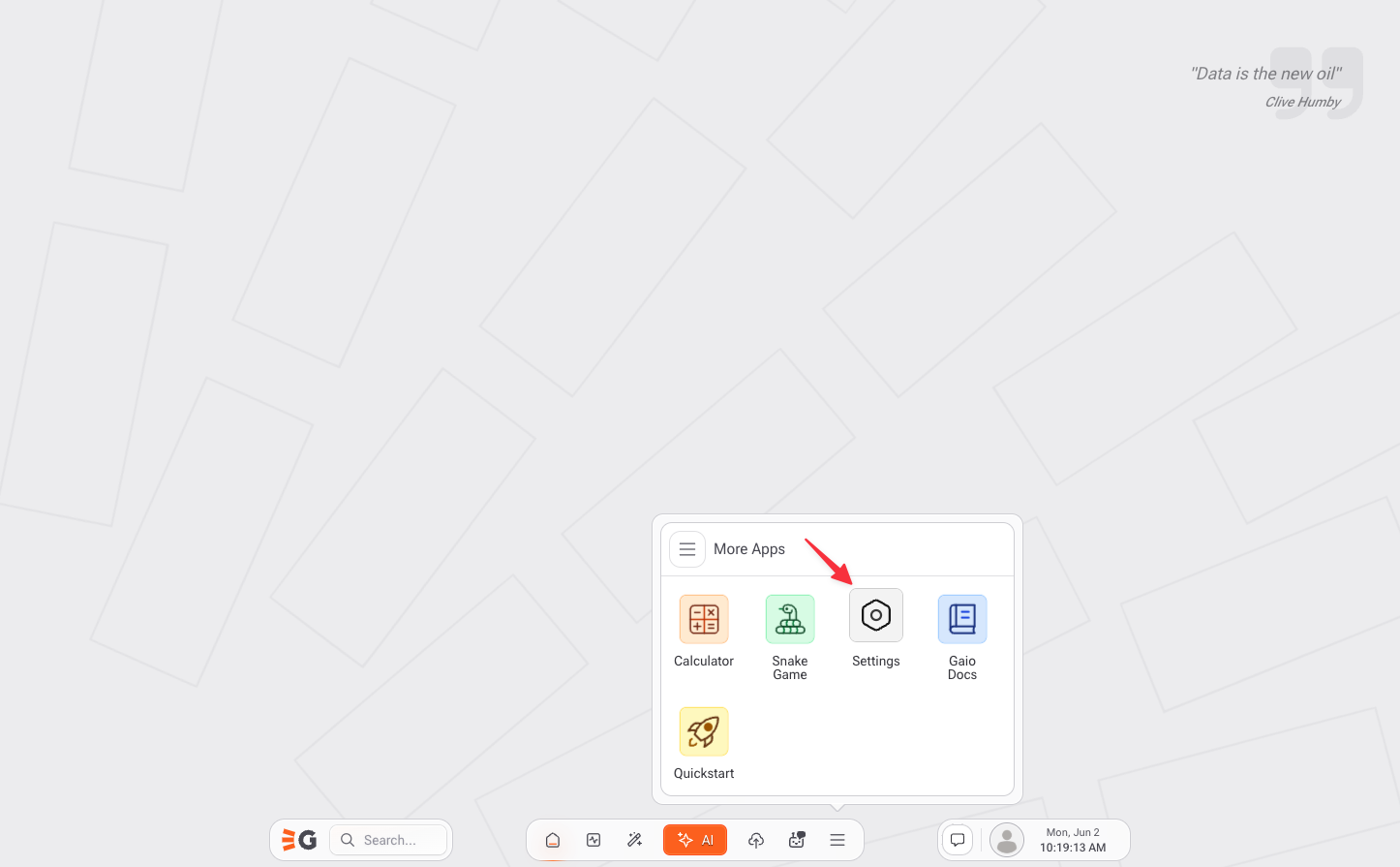
Access to Settings
Settings Page
***
### API Connections via REST
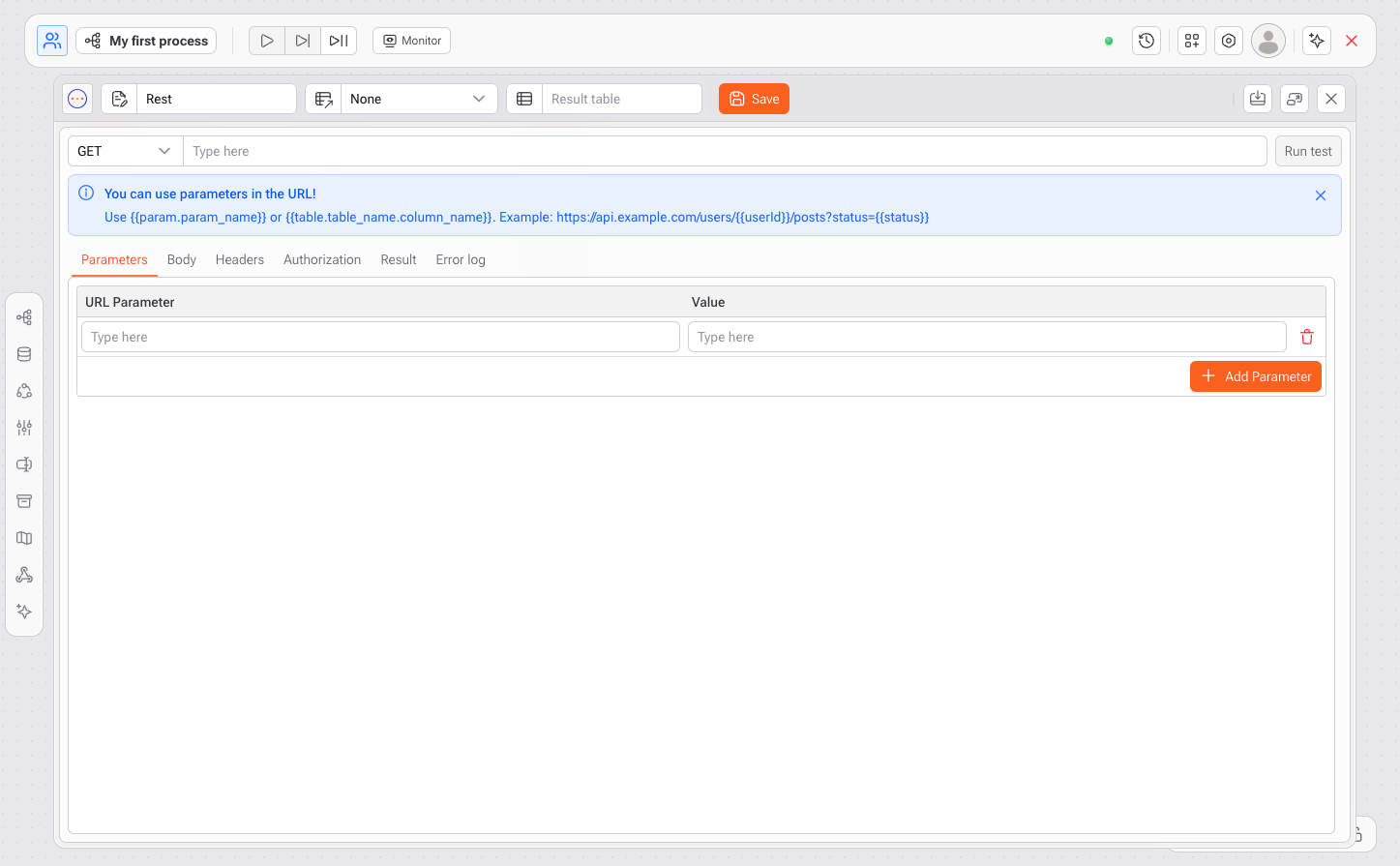
In addition to database connections, Gaio offers a powerful task called **REST**, which allows integration with external data through APIs.
With this feature, you can:
* Connect to enterprise services like **Hubspot**, **ERPs**, and **CRMs**
* Retrieve data from **public or internal APIs**
* Build **automated pipelines** from JSON responses
* Send **dynamic parameters** and configure headers, tokens, and authentication
This makes Gaio a true **integration hub**, capable of receiving and processing data from virtually any API-enabled source.
REST
***
### Cloud Storage Integrations
Gaio also supports connecting to cloud storage systems, allowing users to work directly with files and objects stored in:
* Amazon S3
* Azure Blob
* Google Drive *(via REST)*
* Google Sheets *(via native Studio feature)*
***
### Why This Matters
Having multiple integration options makes Gaio ideal for:
* Unifying data scattered across different systems
* Automating real-time data updates
* Building **Business Intelligence** and **Machine Learning** solutions based on consistent, up-to-date data
* Reducing dependency on external ETL or integration tools
> At its core, **Gaio DataOS** is a **connected environment**, ready to integrate with your entire data ecosystem — whether through databases, cloud storage, or APIs.